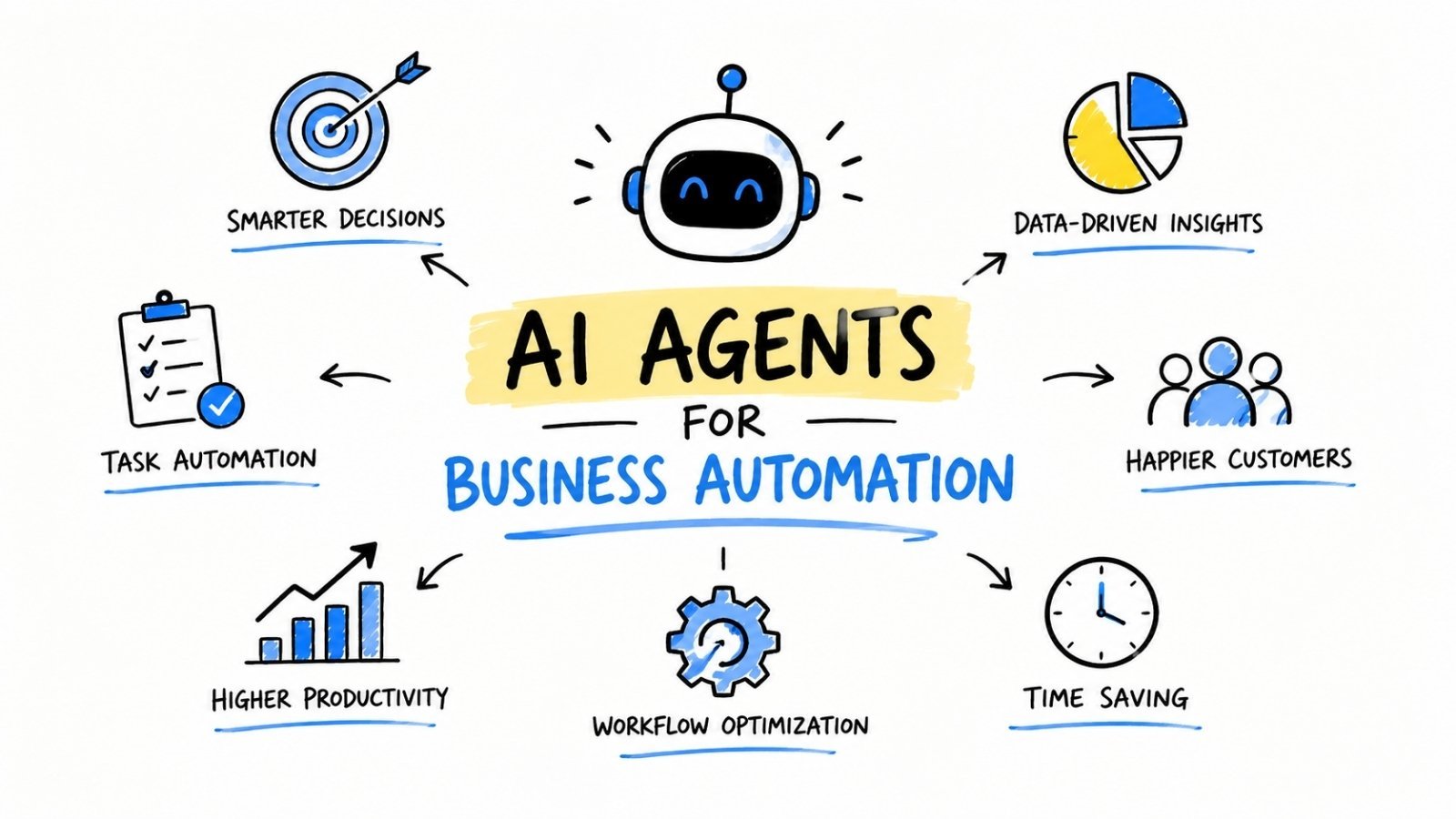
AI agents are autonomous software systems that can plan, execute, and adapt multi-step tasks with minimal human input. Businesses use AI agents to automate workflows across customer service, operations, sales, and HR—reducing manual effort and accelerating decision-making at scale.
Automation has always promised to free people from repetitive work. But for decades, most automation tools required rigid rules, fixed inputs, and constant human oversight. If a process changed even slightly, the automation broke. That was the ceiling.
AI agents have raised that ceiling considerably.
Unlike traditional automation scripts or even basic AI tools, AI agents can reason through tasks, respond to new information, and coordinate across multiple systems—all without waiting for a human to tell them what to do next. They don’t just execute instructions; they figure out how to execute instructions. That shift, subtle as it sounds, changes what’s actually possible for businesses trying to scale their operations.
This guide explains what are AI Agents for Business Automation, how they differ from other AI tools, and—most importantly—how to deploy them effectively across key business functions. Whether your organization is just starting to explore automation or looking to expand an existing AI strategy, this is a practical starting point.
Table of Contents
What Are AI Agents, and How Do They Differ from Standard AI Tools?
Most AI tools are reactive. You ask a question, the tool gives an answer. You prompt it, it responds. The interaction is one step at a time.
AI agents work differently. An AI agent is an autonomous system that can break down a goal into steps, take action, evaluate the result, and continue working toward the objective—all without requiring a human to manage each step. Give an AI agent a goal like “qualify the inbound leads from this week and draft personalized follow-up emails,” and the agent will plan the process, pull the necessary data, write the emails, and flag anything that needs human review.
Three capabilities define an AI agent:
- Goal-directed behavior: AI agents work toward an objective, not just a prompt.
- Tool use: AI agents can interact with external systems—CRMs, databases, APIs, calendars—to gather information or take action.
- Memory and iteration: AI agents retain context across steps, allowing them to adapt based on what they’ve already done.
This architecture makes AI agents far more suitable for complex, multi-step business workflows than a standard chatbot or standalone AI writing tool.
What Types of AI Agents Are Most Relevant for Business Automation?
Not all AI agents are built the same. For business automation, three categories are especially relevant:
Task automation agents handle well-defined, repeatable workflows—things like data entry, report generation, or scheduling. These are often the easiest to deploy and deliver fast returns.
Research and analysis agents gather, synthesize, and summarize information from multiple sources. They’re particularly useful for competitive intelligence, market research, and compliance monitoring.
Orchestration agents coordinate other agents or tools to complete complex, end-to-end workflows. In a sales context, an orchestration agent might manage lead scoring, outreach sequencing, and CRM updates simultaneously.
Understanding which type fits your use case is the first step toward a successful deployment.
How Can Businesses Use AI Agents for Customer Service Automation?
Customer service is one of the highest-impact areas for AI agent deployment. The volume of repetitive queries, the need for 24/7 availability, and the cost of large support teams make it an obvious target.
AI agents can handle full customer service workflows—not just routing tickets, but resolving them. A well-configured AI agent can:
- Read and categorize incoming support tickets
- Pull relevant customer history from a CRM
- Draft and send responses to common queries
- Escalate complex issues to human agents with full context included
According to Salesforce’s 2024 State of Service report, 83% of service organizations expect to increase their AI investment over the next two years. Companies already using AI in customer service report reducing average handle time by 25–35%.
The key distinction: AI agents don’t just deflect tickets. They resolve them. That’s a meaningful difference for both operational costs and customer satisfaction scores.
What Should Businesses Watch Out for When Automating Customer Service with AI Agents?
Guardrails matter. AI agents in customer-facing roles should have clear escalation paths, defined response boundaries, and regular audits of their outputs. An agent that confidently gives incorrect refund information can do more damage than a slow human response.
Start with low-risk query types—order status, FAQs, basic account changes—and expand scope gradually as confidence in the agent’s accuracy grows.
How Do AI Agents Improve Sales and Marketing Workflows?
Sales and marketing teams deal with high volumes of repetitive tasks: prospecting, lead qualification, follow-up sequencing, content personalization, and performance reporting. AI agents handle all of these well.
In sales, AI agents can monitor inbound leads in real time, score them against ideal customer profiles, and trigger personalized outreach without waiting for a sales rep to log in. Platforms like Salesforce Agentforce and HubSpot’s AI tools are already embedding this functionality into their core products.
In marketing, AI agents can:
- Monitor campaign performance across channels and flag anomalies
- Generate and A/B test ad copy variations
- Personalize email content at scale based on behavioral data
- Summarize weekly performance data into actionable reports
The compounding benefit here is speed. A task that takes a marketing analyst two hours—pulling data, formatting it, drawing conclusions—takes an AI agent a few minutes. Multiply that across a team and you reclaim significant capacity for higher-value strategic work.
Can AI Agents Automate Internal Operations and HR Processes?
Yes, and this is an underutilized opportunity for many mid-size businesses.
HR teams spend a disproportionate amount of time on administrative work: screening resumes, scheduling interviews, answering employee questions about policies, onboarding new hires. AI agents can absorb much of this load.
A recruitment AI agent, for example, can screen applicants against a job description, rank candidates by fit, send scheduling links to top prospects, and update the applicant tracking system—all before a recruiter has had their morning coffee.
For internal operations, AI agents are particularly effective at:
- Document processing: Extracting key information from invoices, contracts, or compliance documents
- IT support: Resolving common helpdesk tickets like password resets or software access requests
- Reporting: Pulling data from multiple systems and generating consolidated reports on a set schedule
According to McKinsey’s 2023 automation report, knowledge workers spend an average of 20% of their time on tasks that could be automated with existing technology. AI agents are the most practical tool for closing that gap.

How Should a Business Get Started with AI Agent Automation?
The most common mistake businesses make is starting too broadly. Trying to automate everything at once leads to bloated projects, unclear ownership, and disappointing results.
A more effective approach:
1. Identify a high-volume, well-defined process. The best candidates for AI agent automation are tasks that happen frequently, follow a predictable pattern, and have clear success criteria. Think: invoice processing, lead qualification, or support ticket routing.
2. Map the process before automating it. AI agents don’t fix broken processes—they scale them. Document the workflow, identify decision points, and clarify what a good outcome looks like before configuring any automation.
3. Choose the right platform. Several platforms support AI agent deployment for non-technical teams, including Microsoft Copilot Studio, Salesforce Agentforce, and Zapier’s AI automation tools. More technical teams may work with frameworks like LangChain or AutoGPT.
4. Run a controlled pilot. Deploy the agent on a subset of real tasks, measure its accuracy, and compare it against your baseline. Set clear performance benchmarks before expanding.
5. Build in human oversight. Especially in the early stages, ensure humans can review, override, or correct the agent’s outputs. Confidence in the system builds through evidence, not assumption.
What Are the Risks of Using AI Agents for Business Automation?
AI agents are powerful, but not infallible. Businesses that deploy them without proper governance often encounter the same category of problems.
Hallucination and errors: AI agents can generate plausible-sounding but incorrect outputs. In customer-facing or compliance-sensitive contexts, this carries real risk. Regular output audits and confidence thresholds help mitigate this.
Scope creep: Agents with broad tool access can take actions that weren’t intended. Define permissions carefully and limit what systems each agent can interact with.
Over-reliance: Automation can create blind spots. If a team stops reviewing a process because “the agent handles it,” errors can accumulate undetected. Build periodic human review into any automated workflow.
Data privacy: AI agents often need access to sensitive business data to function effectively. Ensure the platforms you use meet your industry’s data handling and compliance requirements.
None of these risks are reasons to avoid AI agents—they’re reasons to deploy them thoughtfully.
The Smart Path to AI-Driven Business Automation
AI agents are not a future technology. They are available, practical, and already delivering measurable value across customer service, sales, marketing, HR, and operations for businesses of every size.
The organizations seeing the most impact are not necessarily the ones with the largest AI budgets. They’re the ones that started with a clear problem, built disciplined processes around their automation, and expanded based on results rather than enthusiasm.
Pick one workflow. Map it properly. Deploy an agent on it. Measure the outcome. That’s how successful AI automation begins—one well-chosen problem at a time.
If you’re looking for practical ways to implement AI in your organization, explore these AI automation ideas that can help streamline workflows and improve efficiency across departments..
Frequently Asked Questions
What is an AI agent in the context of business automation?
An AI agent is an autonomous software system that can plan and execute multi-step tasks by interacting with tools, data, and external systems. Unlike standard AI tools that respond to single prompts, AI agents pursue goals across multiple steps with minimal human intervention.
How are AI agents different from robotic process automation (RPA)?
RPA follows fixed, rule-based instructions and breaks when processes change. AI agents can reason through ambiguity, adapt to new inputs, and make decisions at each step—making them more flexible for dynamic, complex workflows.
What business processes are best suited for AI agent automation?
High-volume, repetitive, and well-defined processes are the best starting points. Common examples include customer support ticket resolution, lead qualification, invoice processing, employee onboarding, and performance reporting.
Do you need technical expertise to deploy AI agents?
Not necessarily. Platforms like Microsoft Copilot Studio, Salesforce Agentforce, and Zapier offer no-code or low-code environments for deploying AI agents. More complex, custom deployments may require technical resources.
How long does it take to see ROI from AI agent automation?
For well-scoped, high-volume processes, businesses often see measurable efficiency gains within 30 to 90 days of deployment. Broader enterprise rollouts with more complex workflows typically require three to six months to demonstrate clear ROI.
What are the biggest risks of using AI agents for automation?
The primary risks are incorrect outputs, unintended actions caused by overly broad permissions, data privacy concerns, and over-reliance on automation without human oversight. These risks are manageable with proper governance, regular audits, and clear escalation protocols.
Business owners looking to strengthen their financial foundation should read our detailed article on how to manage cash flow in a small business for actionable cash management tips.
