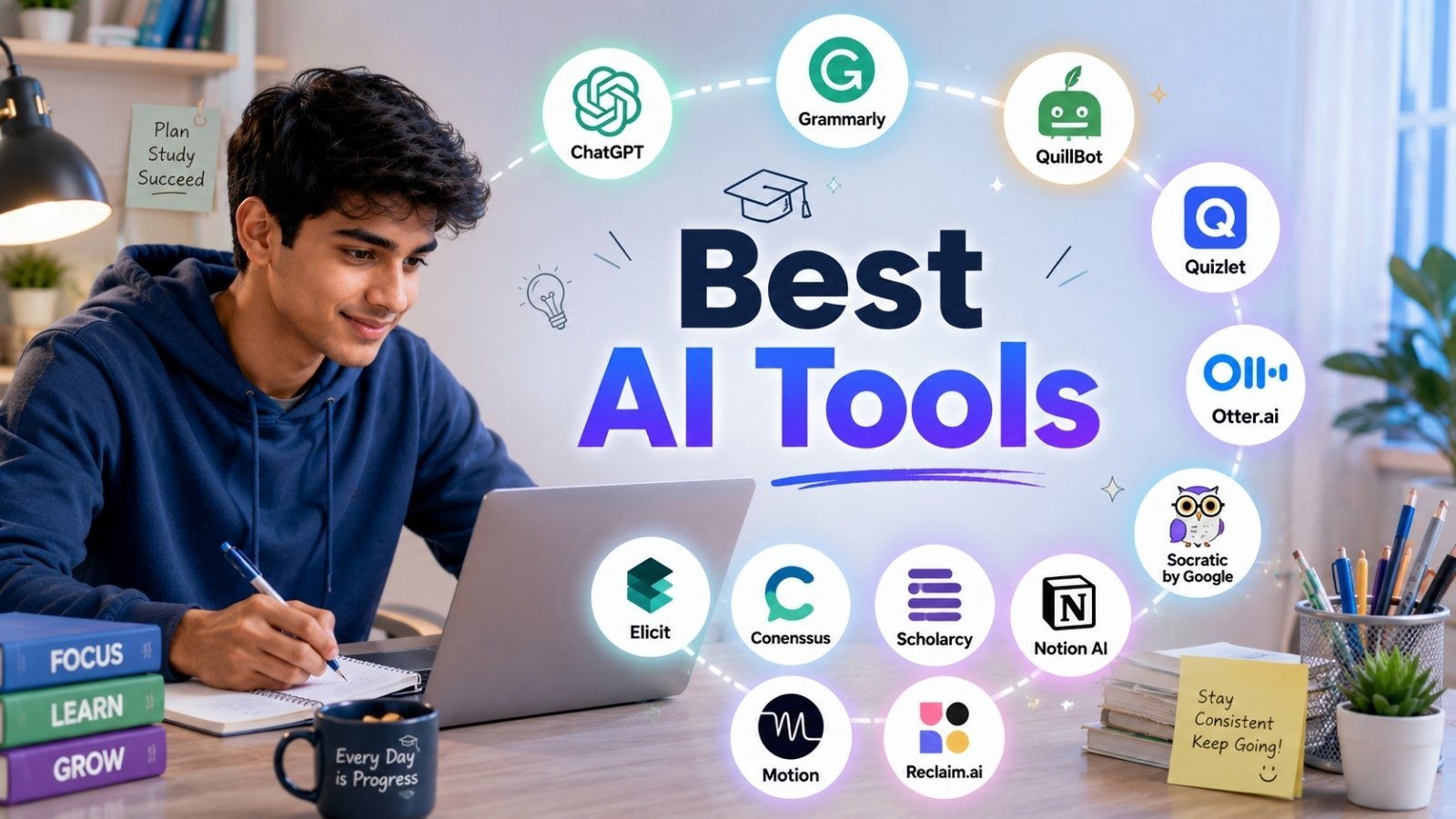
The best AI tools for student productivity include ChatGPT for brainstorming, Grammarly for writing, Otter.ai for transcribing lectures, Notion AI for organization, and Quizlet for studying. These tools save time on repetitive tasks, helping students focus on learning rather than busywork.
Late nights, looming deadlines, and a never-ending list of readings—student life is busy. But a growing collection of AI tools can lighten the load, helping you write faster, study smarter, and stay organized without sacrificing sleep.
This guide breaks down 12 of the most useful AI tools for students, grouped by what they actually help you do: writing, studying, research, and staying organized. You’ll learn what each tool does well, who it’s best for, and how to use it responsibly so you stay on the right side of your school’s academic policies.
Whether you’re drafting an essay, prepping for an exam, or trying to make sense of a 90-minute lecture, there’s something here to help you get more done in less time.
Table of Contents
How can AI tools improve student productivity?
AI tools improve student productivity by automating time-consuming tasks like note-taking, proofreading, and summarizing. According to a 2024 survey by the Digital Education Council, 86% of university students already use AI tools in their studies, with ChatGPT being the most popular. By handling repetitive work, these tools free up mental energy for the parts of learning that matter most—understanding concepts and thinking critically.
The key is using AI as a support tool, not a replacement for your own effort. Used well, AI can act like a tutor, editor, and study buddy rolled into one.
What are the best AI writing tools for students?
Writing assignments eat up a huge chunk of study time. These tools help you draft, edit, and polish your work faster.
ChatGPT: Best for brainstorming and outlining
ChatGPT, built by OpenAI, is a conversational AI that can help you brainstorm essay topics, create outlines, explain tricky concepts, and refine your arguments. Ask it to explain quantum physics “like I’m 15,” and it will. Ask it to suggest counterarguments for your essay, and it will do that too.
Best for: Students who get stuck staring at a blank page.
Use it responsibly: Treat ChatGPT’s output as a starting point, not a finished product. Submitting AI-generated text as your own work violates most academic integrity policies.
Grammarly: Best for proofreading and clarity
Grammarly checks your spelling, grammar, and punctuation in real time. Its premium version also flags wordy sentences, suggests clearer phrasing, and adjusts tone based on your audience. For students writing formal essays, this is a quick way to catch mistakes before submitting.
Best for: Anyone who wants polished, error-free writing.
QuillBot: Best for paraphrasing and summarizing
QuillBot helps you rephrase sentences and summarize long passages. It’s handy when you’re trying to put a source into your own words or condense dense reading material. Just remember—paraphrasing a source still requires a citation.
Best for: Students working with lots of source material.
What are the best AI tools for studying and exam prep?
Studying smarter means spending less time making flashcards and more time actually learning. These tools speed up the prep.
Quizlet: Best for flashcards and active recall
Quizlet uses AI to turn your notes into flashcards, practice tests, and study games. Its “Q-Chat” feature acts as an AI tutor, quizzing you on material and adapting to what you find difficult. Active recall is one of the most effective study techniques, and Quizlet makes it easy.
Best for: Memorizing vocabulary, dates, formulas, and definitions.
Otter.ai: Best for transcribing lectures
Otter.ai records and transcribes lectures in real time, so you can focus on listening instead of frantically scribbling notes. After class, you get a searchable transcript with key points highlighted. This is a game-changer for students who struggle to keep up during fast-paced lectures.
Best for: Auditory learners and anyone with back-to-back classes.
Socratic by Google: Best for homework help
Socratic lets you snap a photo of a homework question and get step-by-step explanations. It covers math, science, literature, and more, pulling from trusted educational resources. Rather than just giving you the answer, it walks you through the reasoning.
Best for: High school and early college students stuck on a specific problem.
What are the best AI research tools for students?
Research can be a rabbit hole. These tools help you find credible sources and understand them faster.
Elicit: Best for finding research papers
Elicit is an AI research assistant that searches academic papers and summarizes their findings. Ask a research question, and it surfaces relevant studies with key takeaways. For students writing literature reviews or dissertations, this can save hours of digging through databases.
Best for: University students working on research-heavy assignments.
Consensus: Best for evidence-based answers
Consensus searches scientific research to answer your questions, citing peer-reviewed studies along the way. Instead of vague web results, you get answers grounded in actual evidence. It’s especially useful for science and social science topics.
Best for: Students who need credible, citable sources fast.
Scholarcy: Best for summarizing dense papers
Scholarcy breaks long academic articles into bite-sized summary cards, highlighting the key points, methods, and findings. If you’ve ever been assigned a 40-page paper the night before class, you’ll appreciate this one.
Best for: Skimming dense readings without missing the main ideas.
What are the best AI tools for staying organized?
Productivity isn’t just about working faster—it’s about managing your time and tasks well. These tools keep your study life in order.
Notion AI: Best for all-in-one organization
Notion is a workspace for notes, tasks, and projects, and its built-in AI can summarize notes, generate to-do lists, and draft study schedules. Many students use it to manage everything from class notes to group projects in one place.
Best for: Students who want a single hub for their academic life.
Motion: Best for automated scheduling
Motion uses AI to build your daily schedule automatically, slotting in tasks, deadlines, and classes based on your priorities. When something changes, it reshuffles your calendar for you. For students juggling jobs, clubs, and coursework, this removes the stress of planning.
Best for: Busy students with packed, unpredictable schedules.
Reclaim.ai: Best for protecting study time
Reclaim.ai automatically blocks out focus time on your calendar for studying, so meetings and commitments don’t crowd it out. It learns your habits over time and defends your most productive hours.
Best for: Students who struggle to find uninterrupted time to study.
How do you use AI tools without breaking academic integrity rules?
Using AI tools responsibly comes down to one principle: AI should support your learning, not replace it. Here are a few ground rules to stay on the right side of your school’s policies:
- Check your school’s AI policy first. Some courses allow AI for brainstorming but not for writing. Rules vary by class and instructor.
- Never submit AI-generated text as your own. This is plagiarism under most academic integrity codes.
- Always cite your sources. Paraphrasing with QuillBot or summarizing with Scholarcy still requires proper citations.
- Use AI to understand, not to avoid understanding. If you can’t explain your essay or solve a similar problem yourself, you’ve used the tool the wrong way.
When in doubt, ask your instructor. Most are happy to clarify what’s allowed.
Choosing the right AI tools for your study style
The best AI tools are the ones that fit how you actually work. If writing is your weak spot, start with Grammarly and ChatGPT. If you’re drowning in readings, try Scholarcy and Otter.ai. And if your calendar is chaos, Motion or Reclaim.ai can bring order to your week.
You don’t need all 12 tools. Pick two or three that solve your biggest pain points, learn them well, and build them into your routine. The goal isn’t to do less learning—it’s to spend your time on the parts of studying that actually move the needle.
Ready to get started? Choose one tool from this list and try it on your next assignment. You might be surprised how much time you get back.
Frequently asked questions
Are AI tools free for students?
Many AI tools offer free versions with core features, including ChatGPT, Grammarly, Quizlet, and Otter.ai. Premium plans unlock extra features, and some companies offer student discounts. Always check for an education plan before paying full price.
Is it cheating to use AI tools for schoolwork?
It depends on how you use them and your school’s policy. Using AI to brainstorm ideas, check grammar, or explain concepts is generally acceptable. Submitting AI-generated work as your own is considered plagiarism at most institutions. Always check your course guidelines.
Which AI tool is best for writing essays?
For essays, ChatGPT helps with brainstorming and outlining, while Grammarly polishes your final draft. Neither should write the essay for you—use them to support your own writing and thinking.
Can AI tools help with exam preparation?
Yes. Quizlet turns notes into flashcards and practice tests, Otter.ai transcribes lectures for review, and Socratic explains tricky homework problems. These tools support active recall and spaced repetition, two proven study techniques.
Do professors know when students use AI?
Many schools use AI detection software, though these tools aren’t always accurate. More importantly, professors can often tell when work doesn’t match a student’s usual style or understanding. The safest approach is to use AI transparently and within your school’s rules.
For those interested in blogging as a business, our detailed guide on how to start a tech blog and make money online explains how to attract readers, rank on Google, and generate revenue from your content.
