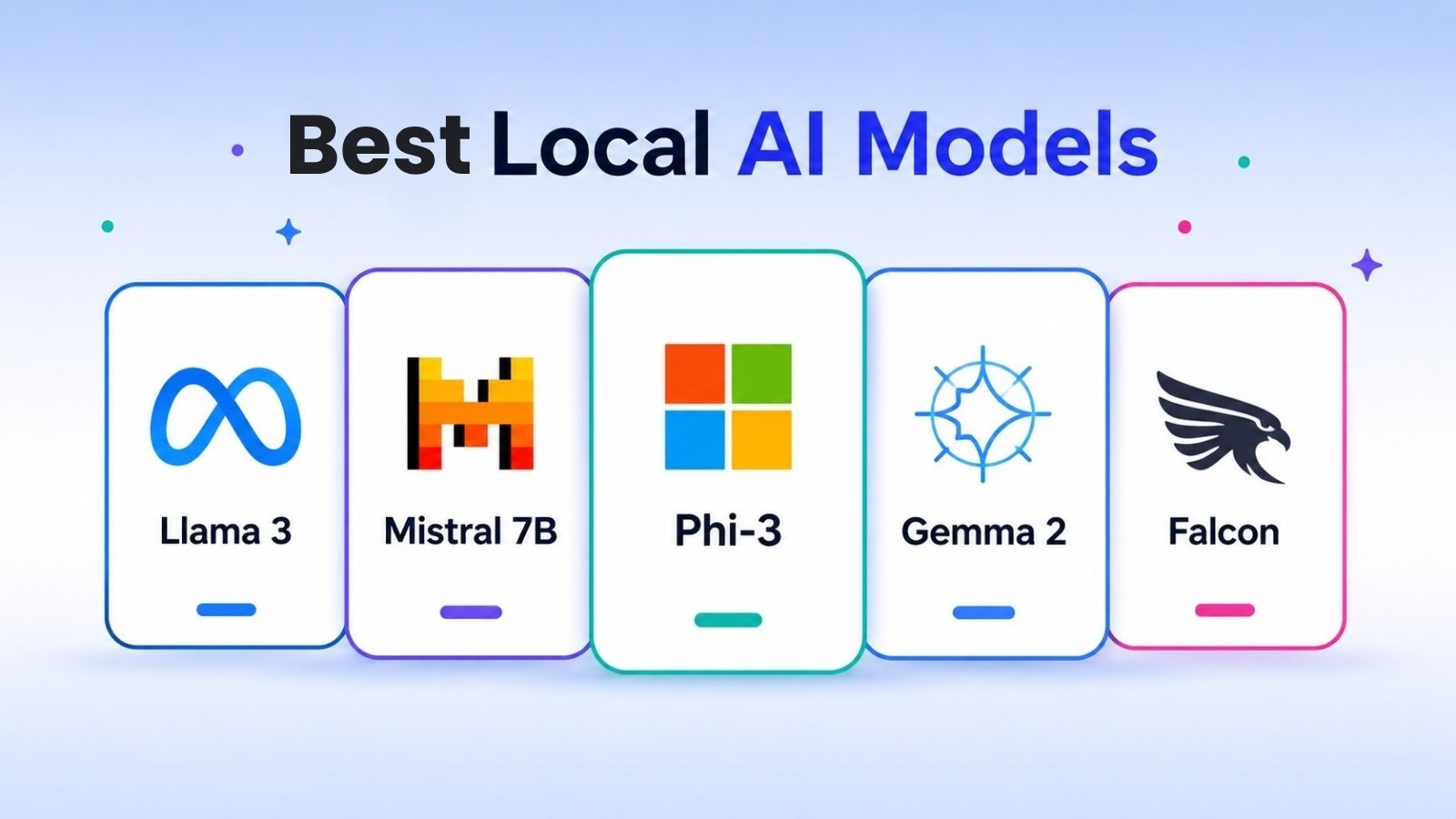
The best local AI models for personal computers in 2025 include Llama 3, Mistral 7B, Phi-3, Gemma 2, and Falcon. Each runs entirely on your hardware—no internet connection required. The right choice depends on your PC’s RAM, GPU, and what you need the model to do.
Privacy concerns, internet outages, API costs—there are plenty of reasons people are ditching cloud-based AI in favor of running models locally. And thanks to rapid advances in model compression and open-source development, running a capable AI assistant on a consumer-grade laptop or desktop has never been more practical.
But the local AI space moves fast. New models drop regularly, hardware requirements vary widely, and the difference between a smooth experience and a frustrating one often comes down to a few gigabytes of RAM or the right software setup. This guide cuts through the noise.
Below, you’ll find a breakdown of the best local AI models available for personal computers in 2025—what they do well, what they require, and who they’re best suited for. Whether you’re a developer, a privacy-conscious professional, or just curious about running AI without a cloud subscription, there’s a model here for you.
Table of Contents
What Does It Actually Mean to Run an AI Model Locally?
Running an AI model locally means the model operates entirely on your own hardware—your CPU, GPU, and RAM—without sending data to an external server. There are no API calls, no usage fees, and no third party processing your inputs.
This is different from cloud-based AI tools like ChatGPT or Claude, where your prompts are sent to remote servers for processing. Local models offer stronger data privacy, offline access, and often lower long-term cost. The trade-off is that performance is limited by your hardware.
Most local models today are available in quantized formats—compressed versions that trade a small amount of accuracy for significantly lower memory requirements. A model that originally required 40GB of VRAM can often be run with as little as 8GB using 4-bit quantization.
Tools like Ollama, LM Studio, and GPT4All make it relatively straightforward to download and run these models on Windows, macOS, or Linux without any coding experience.
What Hardware Do You Need to Run Local AI Models?
Before choosing a model, it helps to know what your PC can handle. Here’s a general guide:
- 8GB RAM: Suitable for smaller models (1B–7B parameters) in quantized format
- 16GB RAM: Comfortable for most 7B–13B models; opens up more options
- 32GB RAM or more: Handles larger models (30B+) and enables smoother multitasking
- Dedicated GPU (NVIDIA recommended): Dramatically speeds up inference; even a mid-range GPU like the RTX 3060 makes a noticeable difference
- Apple Silicon (M1/M2/M3): Highly efficient for local AI; unified memory architecture means 16GB M-series chips often outperform higher-spec x86 systems
CPU-only inference is possible, but significantly slower. For anything beyond basic testing, a GPU is strongly recommended.
The Best Local AI Models for Personal Computers in 2025
Is Llama 3 the Best All-Around Local AI Model?
Meta’s Llama 3, released in April 2024, is widely considered the strongest open-weight model family available for local use. Available in 8B and 70B parameter sizes, Llama 3 delivers performance that rivals some proprietary models on standard benchmarks.
The 8B version runs comfortably on a machine with 8–16GB of RAM (using quantized formats), making it accessible for most mid-range PCs. The 70B version requires significantly more memory but delivers near-GPT-4-level performance on many tasks.
Best for: General-purpose chat, coding assistance, summarization, and writing tasks.
Minimum specs: 8GB RAM for the 8B model (quantized); 48GB+ for the 70B model.
Get it via: Ollama, LM Studio, or directly from Meta’s Hugging Face repository.
When Should You Choose Mistral 7B Over Larger Models?
Mistral 7B, developed by French AI startup Mistral AI, punches well above its weight class. Benchmarks published by Mistral AI show that Mistral 7B outperforms Meta’s earlier Llama 2 13B model on most tasks—despite being nearly half the size.
Its instruction-tuned variant, Mistral 7B Instruct, is particularly well-suited for chat and question-answering applications. The model is compact enough to run on modest hardware but capable enough for serious use cases.
Choose Mistral 7B if hardware constraints are a priority or if you want a fast, responsive model for everyday tasks. Choose Llama 3 8B if you want broader capability and have slightly more RAM to spare.
Best for: Fast inference, limited hardware, instruction-following tasks.
Minimum specs: 6–8GB RAM (quantized).
Get it via: Ollama, LM Studio, Hugging Face.
What Makes Microsoft’s Phi-3 Ideal for Low-Spec Machines?
Phi-3, released by Microsoft Research in April 2024, is a small language model designed specifically for efficiency. The Phi-3 Mini variant has just 3.8 billion parameters but performs competitively with models two to three times its size on reasoning and language tasks.
Microsoft achieved this by training Phi-3 on a curated, high-quality dataset—prioritizing data quality over raw scale. The result is a model that runs on smartphones and entry-level laptops while still handling complex instructions reasonably well.
Phi-3 is an ideal starting point for anyone new to local AI or working with a machine that has limited resources.
Best for: Entry-level hardware, quick experimentation, mobile or edge use cases.
Minimum specs: As low as 4GB RAM.
Get it via: Ollama, Azure, Hugging Face.
How Does Google’s Gemma 2 Compare to Other Open-Weight Models?
Gemma 2, released by Google DeepMind in June 2024, comes in 2B, 9B, and 27B parameter sizes. Google designed Gemma 2 with local deployment in mind, and the 9B version in particular has earned strong reviews for its balanced performance-to-size ratio.
One standout feature is Gemma 2’s relatively permissive license, which allows commercial use—an important consideration for developers building applications on top of local models.
On standard benchmarks like MMLU and HellaSwag, Gemma 2 9B performs competitively with Mistral 7B and Llama 3 8B, making it a strong alternative worth testing across your specific workload.
Best for: Developers, commercial projects, balanced performance on mid-range hardware.
Minimum specs: 8GB RAM for the 9B model (quantized).
Get it via: Ollama, Google’s Kaggle repository, Hugging Face.
Is Falcon Still Worth Using in 2025?
Falcon, developed by the Technology Innovation Institute (TII) in Abu Dhabi, was one of the first high-performing open-source models and helped establish the local AI ecosystem. Falcon 7B and Falcon 40B remain in use, though newer models like Llama 3 and Mistral have largely surpassed them on benchmark performance.
Falcon still has a place in specific contexts—particularly for users already familiar with the model or working within pipelines built around it. For new setups, however, it’s generally worth choosing a more recent model.
Best for: Existing Falcon-based workflows; not the top recommendation for new deployments.
Minimum specs: 8GB RAM for the 7B model (quantized).
Get it via: Hugging Face.
How to Get Started Running Local AI Models
The fastest path to running a local model is through Ollama (available at ollama.com). It supports most of the models listed above and requires no coding experience to set up.
Here’s a quick overview of the process:
- Download Ollama and install it on your system (Windows, macOS, or Linux).
- Open a terminal and run a command like
ollama run llama3to download and launch Llama 3. - Start chatting directly in the terminal, or connect Ollama to a front-end like Open WebUI for a browser-based interface.
LM Studio is another excellent option, offering a polished graphical interface for browsing, downloading, and running models from Hugging Face—without touching the command line.
Both tools handle model quantization automatically, so you don’t need to manage file formats manually.
Which Local AI Model Is Right for You?
Here’s a quick decision framework based on common use cases:
- Limited hardware (under 8GB RAM): Start with Phi-3 Mini or Mistral 7B (quantized).
- Mid-range PC (16GB RAM, decent GPU): Llama 3 8B or Gemma 2 9B are strong all-rounders.
- High-end workstation (32GB+ RAM): Llama 3 70B or Mistral’s larger variants unlock near-frontier performance.
- Developer building an app: Gemma 2 (commercial license) or Llama 3 (Meta’s community license) are the safest options.
- Privacy-first personal use: Any of the above—what matters most is that it runs offline, which all of them do.
The Future of Local AI Is Already Here
Running powerful AI on a personal computer has shifted from a niche experiment to a practical, reliable option. The models available today—Llama 3, Mistral 7B, Phi-3, and Gemma 2—represent a genuine leap in capability for locally deployed AI.
The gap between local and cloud-based models is narrowing quickly. As hardware improves and quantization techniques advance, the ceiling on what a personal computer can run will keep rising.
The best place to start is to pick one model that fits your hardware, install Ollama or LM Studio, and run it. You’ll have a working local AI assistant within minutes—and from there, the experimentation speaks for itself.
If you’re exploring the latest AI solutions, check out our guide to the best AI tools of 2026 to discover powerful platforms transforming productivity, content creation, and business workflows. Students looking to boost learning efficiency can also explore these AI tools for students that help with research, writing, organization and academic success.
Frequently Asked Questions
What is the best local AI model for a PC with 8GB of RAM?
Phi-3 Mini and Mistral 7B (in 4-bit quantized format) are the best options for PCs with 8GB of RAM. Both run comfortably within that memory limit and deliver capable performance for chat, writing, and summarization tasks.
Do I need a GPU to run local AI models?
A GPU significantly improves inference speed, but it is not strictly required. Many models run on CPU alone using tools like Ollama or LM Studio. Expect slower responses—typically several seconds per response—when running on CPU only.
Are local AI models as good as ChatGPT?
Smaller local models (7B–8B parameters) do not match GPT-4-class performance on complex reasoning tasks. However, larger local models like Llama 3 70B approach GPT-4-level capability on many benchmarks, and for everyday tasks like writing assistance and summarization, the gap is much smaller.
Is it legal to use open-source AI models commercially?
It depends on the model’s license. Gemma 2 and Mistral 7B use licenses that permit commercial use. Meta’s Llama 3 uses a community license that allows commercial use for most applications but includes restrictions for platforms with over 700 million monthly active users. Always review the specific license before deploying a model commercially.
What software do I need to run local AI models on a PC?
The most beginner-friendly options are Ollama and LM Studio. Both support Windows, macOS, and Linux, handle model downloads automatically, and require no coding experience to get started.
How much storage space do local AI models require?
Storage requirements vary by model size and quantization. A quantized 7B model typically requires 4–6GB of storage. A quantized 70B model can require 35–45GB. Ensure you have sufficient free disk space before downloading.
